
How to Submit an ARC Request
Steps to Submit a New Architectural Request For Approval
Step 1:
Log into your account via the homeowners portal located at the top right of our site.

Step 2:
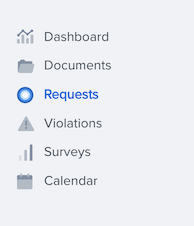
Click the "Requests" tab on the left hand side.
Step 3:
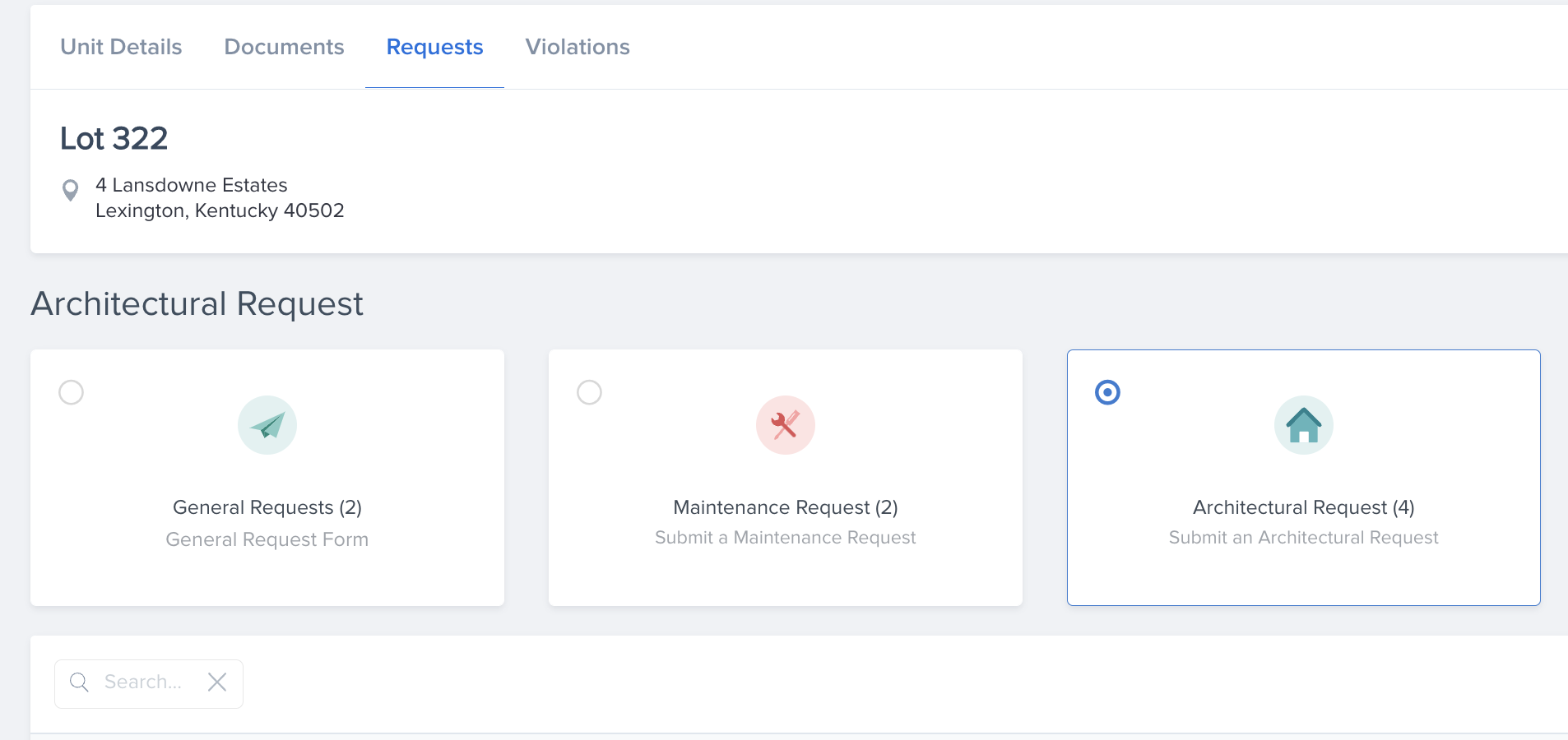
Select the Architectural Request box (depending on your specific community it might be the only request option).
Step 4:
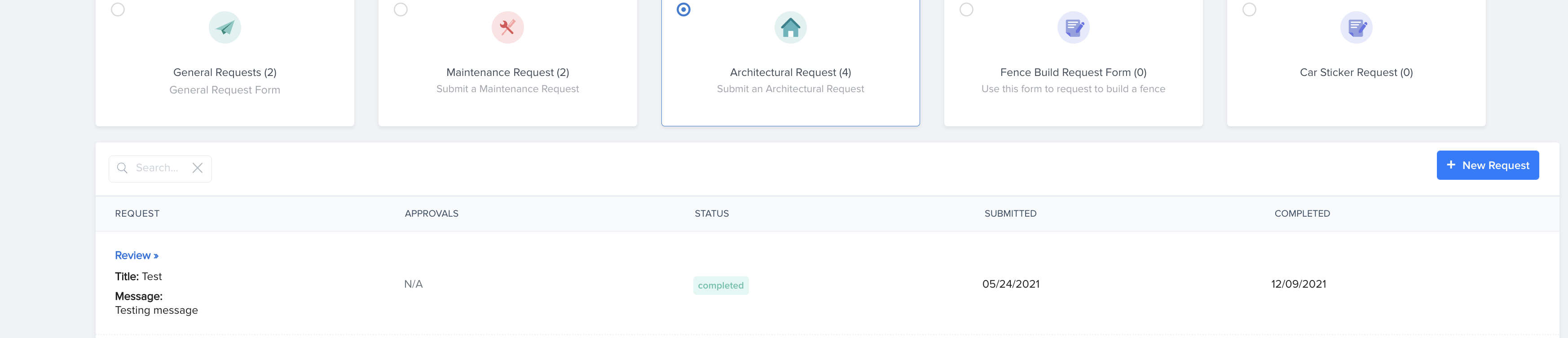
Click the blue "+ New Request" button on the right side.
Step 5:
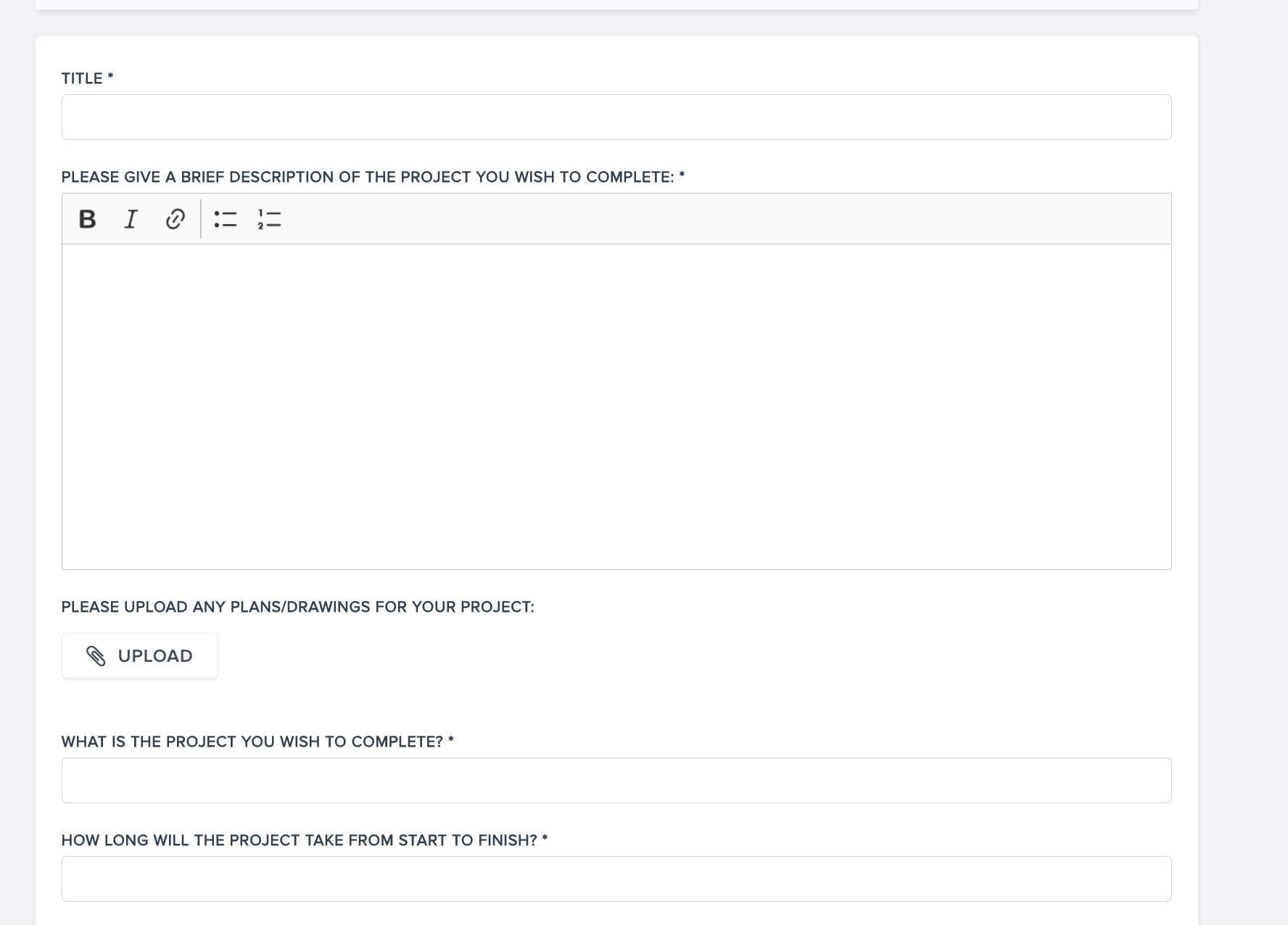
Fill in the request data. Including the type of improvement being requested, the signed and completed ARC form, a plat map with the location and size of the requested improvement, and any supporting attachments that would be useful for your association's board members to see.
Step 6:
Click the blue "Submit" button to submit the request when you're done. Once created, you can view the request, add additional comments, and upload additional images or attachments that may be requested. If your request is approved, you'll see it on the portal, and you'll also receive an approval letter by email or USPS mail.